 jasper
Hey, I’m Jasper.
Make yourself at home.
Your terminal, SSH sessions, files, and everyday tools—all together. A little less switching. A little more room to work.
At home on Windows, macOS, and Linux.
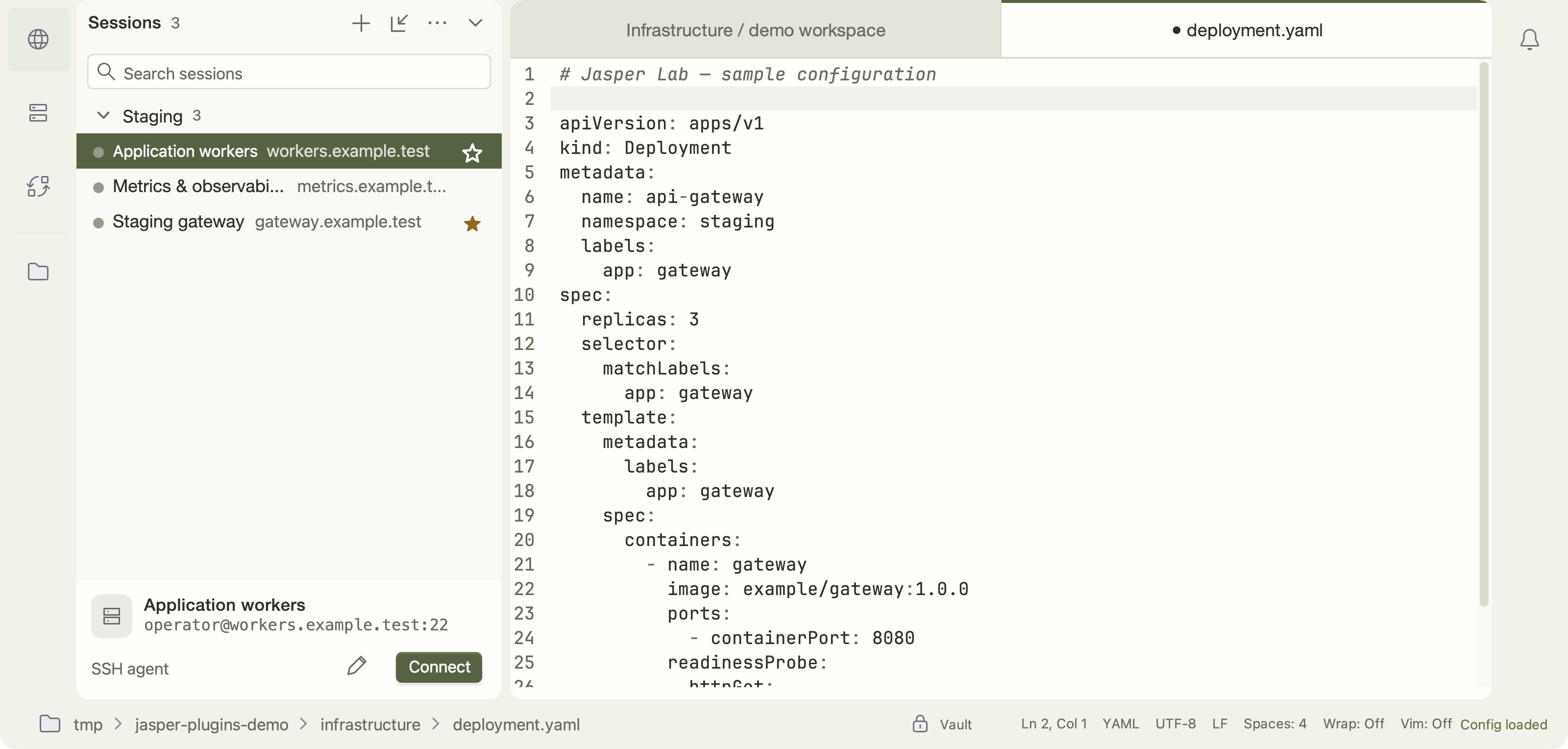
THE EVERYDAY TOOLKIT
Connect. Move. Make things happen.

Start with your credentials. One protected place, with you in control.
CREDENTIAL VAULT
Credentials have a home, too.
Protect saved credentials with a master password and control which plugins can use them.
Fictional accounts · passwords masked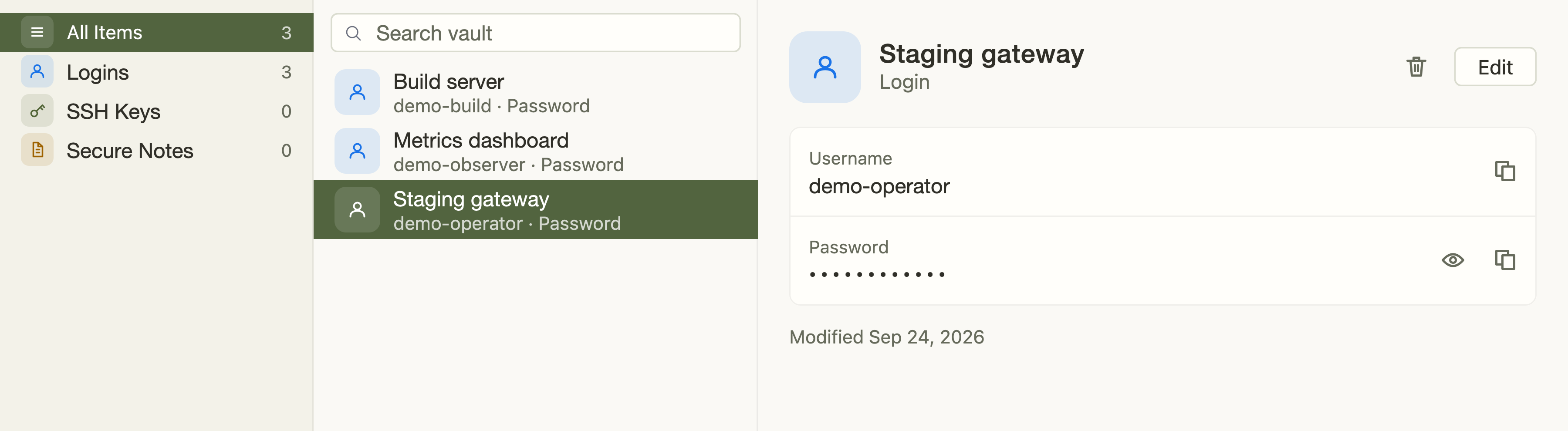
Actual Jasper views, populated with sample data. Select an image to enlarge.
And the little things, too: Editor, History, Snippets & File Indexer. Less switching, more doing.
WHICHEVER OS YOU CALL HOME
Same tools.
Familiar everywhere.
Windows, macOS, or Linux. Bring your workflow with you.

BUILD WHAT’S NEXT
Your workflow.
Your extensions.

Have a tool of your own? Let’s give it a home here.
Build plugins against the standalone SDK. Start with the authoring guide, use the testkit, and bring your tools into Jasper.
Explore the SDKSDK jars, sources, and documentation ship with releases.
SAME WORKSPACE. YOUR PLATFORM.
Make yourself at 127.0.0.1
Choose your platform. Find installers and portable builds on GitHub.
Review release notes and prerelease status before installing.